Gusera - Keynote Template: Elevate Your Presentations
Imagine delivering a presentation where every slide feels intentionally designed, visually cohesive, and effortlessly professional. That's the promise of a well-crafted template, and the Gusera - Keynote Template is built to deliver exactly that experience.
This design asset is more than just a collection of slides; it's a comprehensive toolkit for anyone who needs to communicate ideas with clarity and style. Whether you're pitching to clients, presenting a quarterly report, or showcasing a creative project, starting with a strong visual foundation saves time and elevates your message.
What Makes This Template Stand Out?
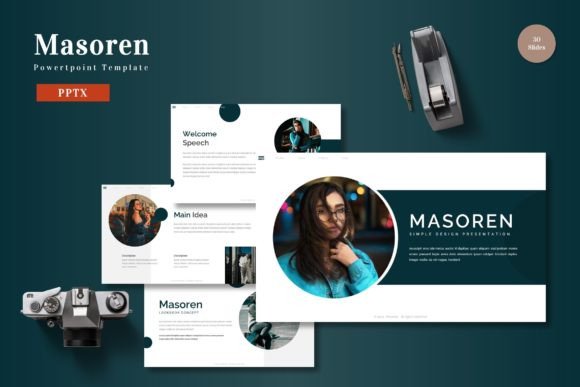
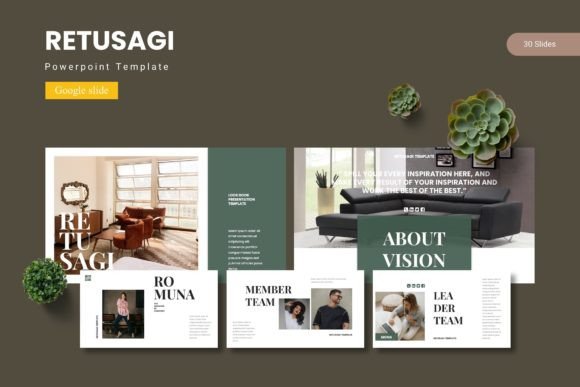
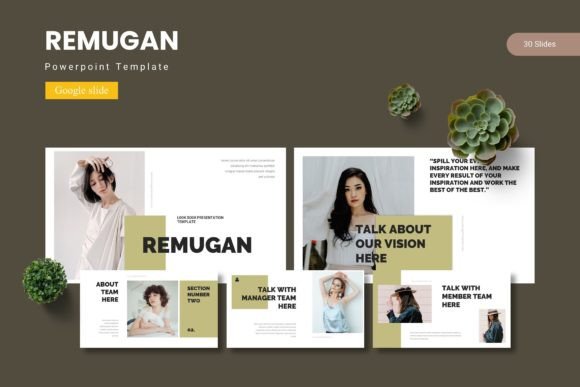
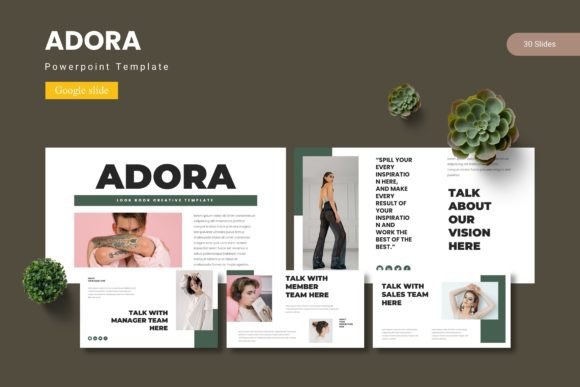
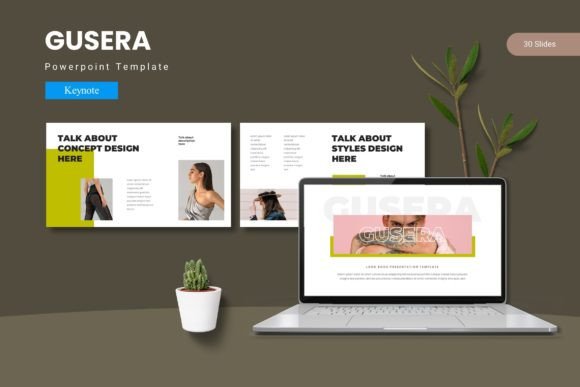
At its core, the Gusera template offers remarkable design flexibility. With over 150 total slides organized into five premade color schemes, you have a vast library of layouts at your fingertips. Each of the five templates includes 30 meticulously designed slides, covering everything from data-driven infographics to elegant portfolio galleries. The use of master slides ensures global consistency, meaning a change to a font or color palette propagates across your entire deck seamlessly.
The pixel-perfect illustrations and resizable graphics are handcrafted to avoid the generic, clip-art look that can undermine a presentation's credibility. The inclusion of drag-and-drop picture placeholders makes integrating your own content intuitive, even for those with limited design experience.
Practical Use Cases for Creative Professionals
This template is particularly valuable for those working in fields where visual presentation is part of the job. Consider these scenarios:
- Agency Pitches: Quickly assemble a polished pitch deck that reflects your agency's brand identity and creative capability.
- Product Launches: Use the infographic and gallery slides to showcase product features, user testimonials, and market data compellingly.
- Portfolio Reviews: Creatives like photographers, designers, and architects can present their work in a clean, sophisticated layout that lets the content shine.
- Internal Reports: Transform mundane data into engaging visual stories using the pre-built charts and diagrams, improving audience retention.
Tips for Choosing and Using a Keynote Template
When selecting a template like Gusera, think beyond the initial appeal. First, test the readability of the default fonts against your own content. A beautiful serif font for headings might need to pair with a clean sans-serif for body text to ensure clarity on screen. The template's structure should match the mood of your project—is it corporate and structured, or creative and fluid?
Always review the available styles and color variations. The five color schemes in this package offer a quick way to align the presentation with a client's brand or your own aesthetic. Finally, confirm the license fits your intended use, especially if you plan to use the final presentation for commercial purposes or distribute it widely.
Investing in a quality design asset like a premium Keynote template is an investment in your professional presentation. It streamlines your workflow, ensures visual consistency, and ultimately helps you make a more impactful and memorable impression. The right tools empower you to focus on your content, confident that the delivery is polished and professional.