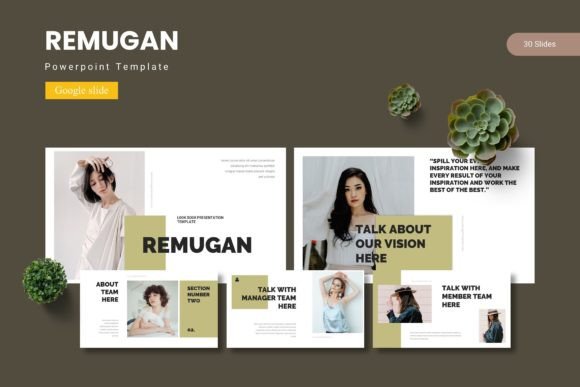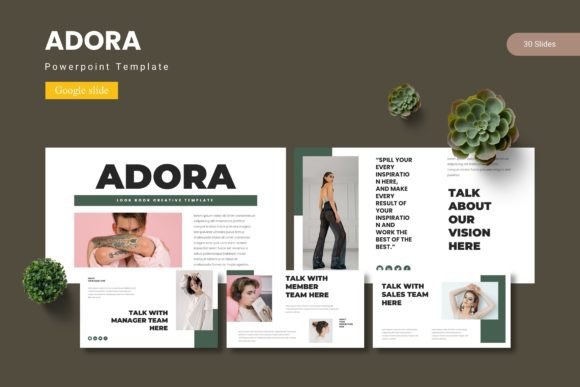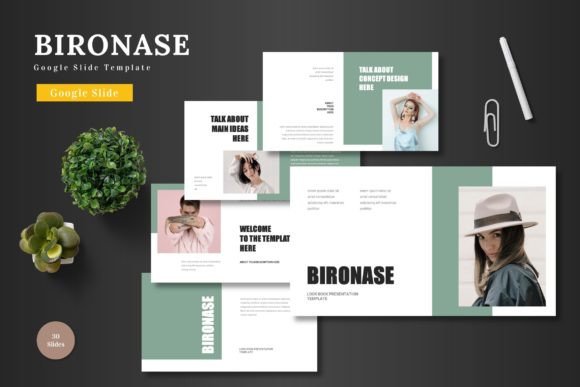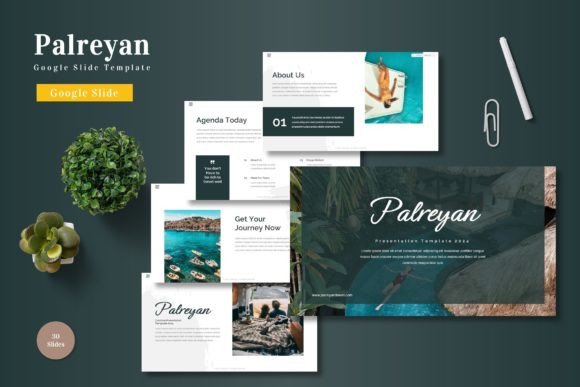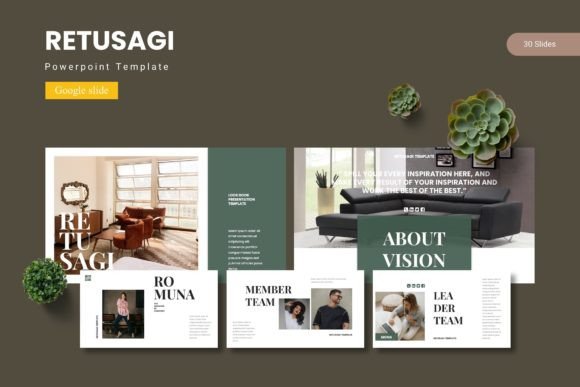
Retusagi - Google Slide Template: Elevate Your Presentations
Struggling to make your presentations look polished and professional without spending hours on design? The Retusagi - Google Slide Template offers a powerful solution, providing a rich library of over 150 meticulously crafted slides. This premium Google Slide template is designed to help you communicate ideas with clarity and visual impact, transforming standard decks into engaging visual stories.
At its core, Retusagi is more than just a set of slides; it's a complete design system. Built on master slides for consistency, it includes pixel-perfect illustrations, handcrafted infographics, and intuitive picture placeholders for effortless drag-and-drop customization. The template comes in five premade color schemes, giving you immediate flexibility to match your brand or project's mood. With 30 unique slides per template and dedicated section breaks, you have the structure to build compelling narratives for any topic.
Practical Applications for Every Creator
The versatility of this Google Slide template makes it invaluable across numerous fields. Whether you're a business professional pitching to clients, an educator crafting lesson plans, or a freelancer showcasing a portfolio, Retusagi provides the visual foundation you need.
- Business & Marketing: Create stunning quarterly reports, marketing plans, and product launch presentations that hold your audience's attention.
- Education & Training: Design interactive lectures, workshop materials, and training modules that facilitate better learning.
- Creative Portfolios: Showcase your work in a gallery-style layout that highlights projects with elegance and professionalism.
- Social Media & Content: Develop cohesive visual assets for webinars, online courses, and social media graphics that strengthen your brand identity.
Think of this template as a key design asset in your toolkit. Just as you would carefully select a premium font for its character and readability, choosing a well-structured template is about ensuring visual consistency and saving valuable time. The right design assets work together to create a unified brand experience.
Tips for Maximizing Your Template
To get the most out of a resource like Retusagi, consider a few practical tips. First, always start by selecting the color variation that best aligns with your project's desired tone—whether it's energetic, professional, or minimalist. Next, leverage the master slides to make global changes efficiently, ensuring every page maintains a cohesive look.
Font pairing is also crucial. While the template's typography is designed to work seamlessly, you might want to integrate your own brand fonts. Test your chosen typeface combinations on a few key slides to ensure they are legible and complement the template's clean aesthetic. Remember, the goal is modern typography that enhances your message, not distracts from it.
Finally, customize the infographics and illustrations to fit your data and story. Resizable and editable graphics mean you can adapt every element without compromising quality. This level of control is what separates a good presentation from a great one, helping you build stronger brand recognition and present with confidence.
Choosing a thoughtfully designed resource like the Retusagi - Google Slide Template is an investment in your creative output. It provides the professional scaffolding that allows your content to shine, helping you deliver presentations that are not only informative but also visually memorable and polished. For anyone serious about their visual communication, it's a worthy addition to your collection of creative assets.