Berora: A Premium Keynote Template for Polished Presentations
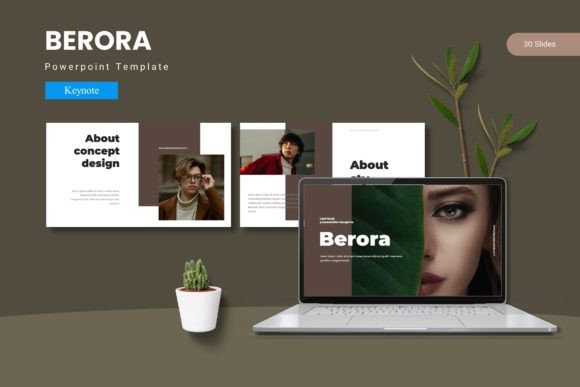
First impressions in a presentation are everything, and the Berora - Keynote Template is designed to make that first impression count. This isn't just another set of slides; it's a complete visual toolkit that brings cohesion, professionalism, and a touch of creative flair to your message. If you've ever struggled with making your Keynote decks look consistently polished and engaging, this template provides a solution that feels both effortless and high-end.
Beyond Basic Slides: A Complete Design System
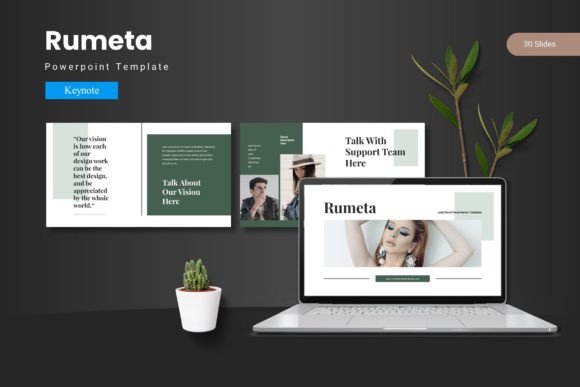
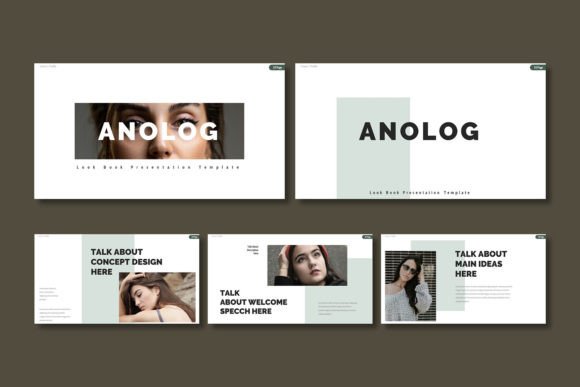
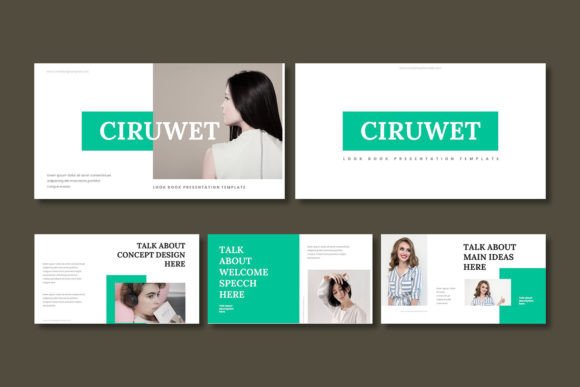
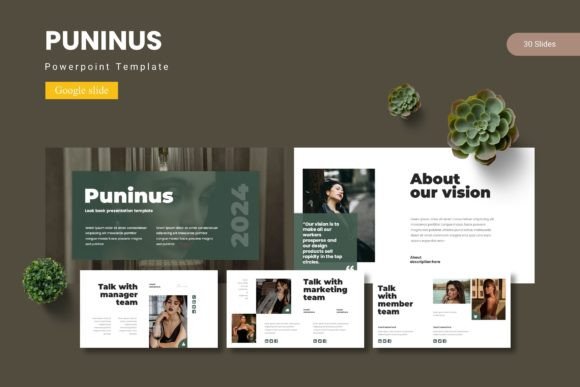
What sets a premium template apart is its thoughtful architecture. Berora offers over 150 total slides, organized into five distinct color schemes, with 30 meticulously crafted slides per template. This structure ensures you have a slide for every conceivable need, from a powerful opening statement to detailed data breakdowns and impactful section breaks. The foundation is built on master slides, which means any change you make to a master element—like a footer or header font—updates across your entire presentation, guaranteeing visual consistency.
The true value lies in the details. Each slide features handcrafted infographics and pixel-perfect illustrations that are fully resizable and editable. This means you're not stuck with generic graphics; you can adapt every element to perfectly match your brand's color palette and style. The inclusion of a drag-and-drop picture placeholder simplifies the process of adding your own imagery, making customization intuitive even for those less familiar with design software.
Practical Use Cases for Creative Professionals
This template shines in scenarios where clarity and visual appeal are non-negotiable. Consider these applications:
- Brand & Client Pitches: Present a brand identity proposal or a marketing strategy with slides that reflect the same level of care you put into the work itself.
- Product Launches & Portfolio Showcases: Use the dedicated gallery and portfolio slides to highlight product features or creative work in a clean, focused layout.
- Internal Reports & Investor Decks: Transform dry data into compelling visual stories with the included infographics, making complex information accessible and engaging.
- Webinar & Workshop Materials: Create professional-looking educational content that holds your audience's attention and reinforces your credibility as an expert.
For designers, it serves as an excellent starting point for client work, saving hours of foundational layout work while allowing for deep customization. Entrepreneurs and marketers can use it to quickly produce presentations that look like they were made by a professional design agency, boosting confidence and perceived value.
Tips for Integrating and Customizing Your Template
To get the most out of a resource like this, keep a few best practices in mind. First, always start by selecting the color scheme that best matches your project's mood or your existing brand guidelines. The five variations provide a great starting point for different tones—be it corporate, creative, or minimal. Second, leverage the master slide function. Before diving into individual slides, set up your core fonts, logo placement, and color accents on the masters. This ensures every new slide you create automatically adheres to your brand standards.
Finally, think about font pairing. While the template uses its own typography, you may want to incorporate a specific typeface for brand consistency. Check the included 'Readme First' file for font information, and ensure any additional fonts you install complement the template's existing modern typography without causing visual clutter. The goal is to enhance, not overwhelm.
Choosing the right design assets is about more than aesthetics; it's about effective communication. A well-structured template like Berora removes the friction from the design process, allowing you to focus on your content and delivery. It provides the visual polish that helps your ideas land with greater impact, making it a valuable investment for anyone who regularly communicates through slides. The result is a presentation that feels intentional, professional, and memorable.