Anolog - Keynote Template for Polished Presentations
Creating a presentation that truly resonates requires more than just good information; it demands a cohesive and visually engaging experience. This is where a well-designed Keynote template becomes an invaluable asset, transforming your ideas into a compelling visual story that captivates your audience from the first slide to the last.
The Anolog - Keynote Template is built for this exact purpose. It’s a comprehensive design system that provides a foundation for professionals, educators, and creatives to deliver their message with clarity and style. Rather than starting from a blank canvas, you’re equipped with a library of thoughtfully crafted slides that ensure consistency and visual impact.
A Foundation for Visual Storytelling
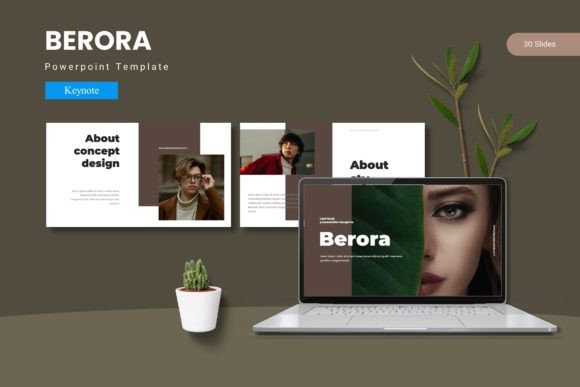
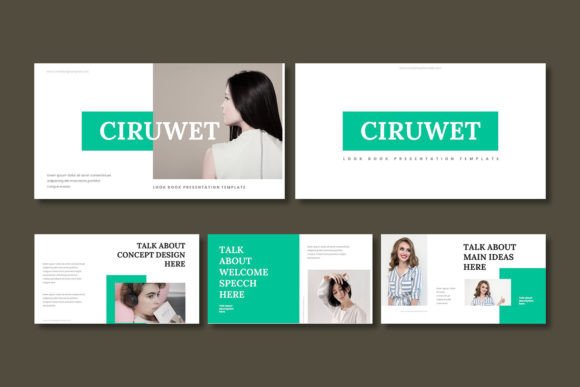
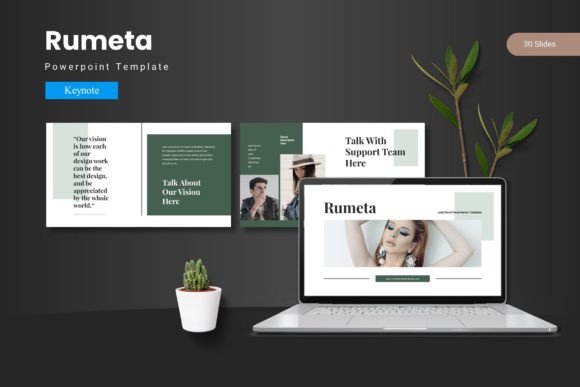
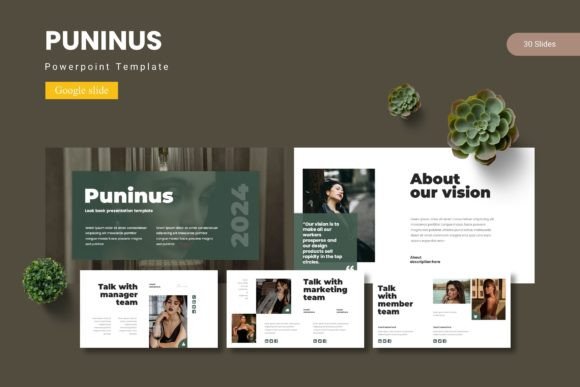
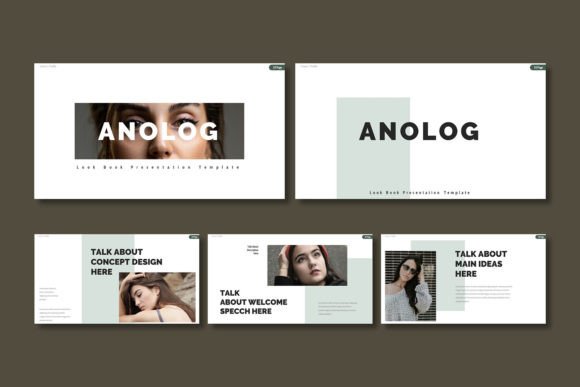
At its core, this template offers over 150 slides across five premade color schemes, giving you 30 distinct layouts per theme. This extensive collection includes section break slides to structure your narrative, handcrafted infographics to simplify complex data, and pixel-perfect illustrations that add a layer of polish. Every element is based on master slides, allowing for effortless global changes to fonts, colors, and layouts. The design is both modern and adaptable, making it a strong contender for anyone looking to enhance their brand identity through presentations.
Practical Applications for Every Creator
The versatility of this Keynote design template makes it suitable for a wide range of projects. Consider using it for:
- Corporate Pitches & Business Reviews: Deliver data-driven presentations with clean infographics and a professional aesthetic that builds trust.
- Creative Portfolios & Case Studies: Showcase your work in a gallery-style layout that lets your projects shine without distraction.
- Educational & Workshop Materials: Create engaging slides that guide learners through content logically, using section breaks to delineate topics.
- Product Launches & Marketing Reports: Present strategies and results with visual clarity, using the drag-and-drop picture placeholders to integrate your own branding and product shots seamlessly.
Design Flexibility at Your Fingertips
One of the greatest advantages of using a premium template like Anolog is the design flexibility it affords. All graphic elements are fully resizable and editable, meaning you can tailor every aspect to match your specific needs. The inclusion of a detailed Readme file ensures you can easily source the recommended fonts and photos to maintain the intended aesthetic. This level of control is crucial for maintaining visual consistency across all your design assets, from the presentation itself to accompanying social media graphics or printed materials.
Tips for Maximizing Your Template
To get the most out of your Keynote template, keep these practical tips in mind. First, always preview the full range of slides to understand the available layouts before you begin. Second, use the master slides to your advantage; editing fonts and colors there ensures a uniform look throughout. Third, don’t be afraid to mix and match elements from different color variations to create a unique scheme that aligns with your project’s mood. Finally, ensure the final file size is optimized for your delivery method, whether it’s a live presentation or a shared PDF.
Choosing the right presentation template is an investment in your communication strategy. It streamlines the design process, elevates your content, and ensures your audience focuses on your message, not distracting inconsistencies. A tool like the Anolog - Keynote Template provides the structure and creative freedom needed to make every slide you deliver look polished, professional, and memorable.