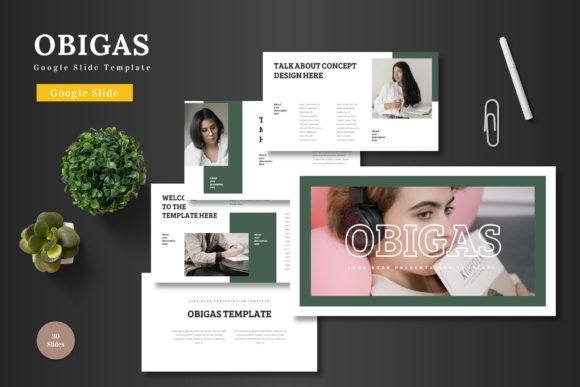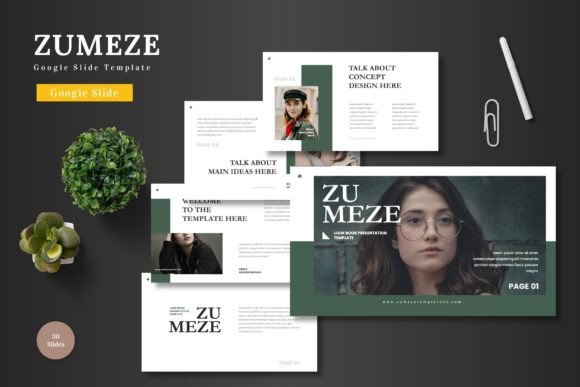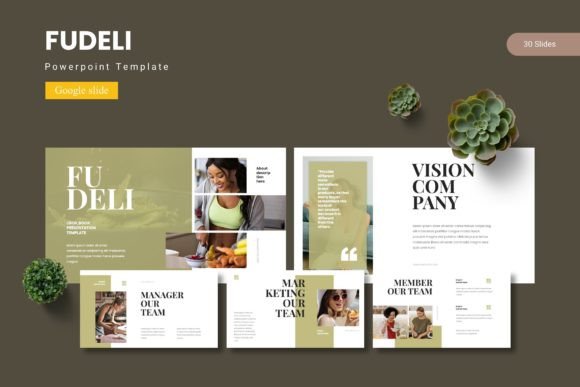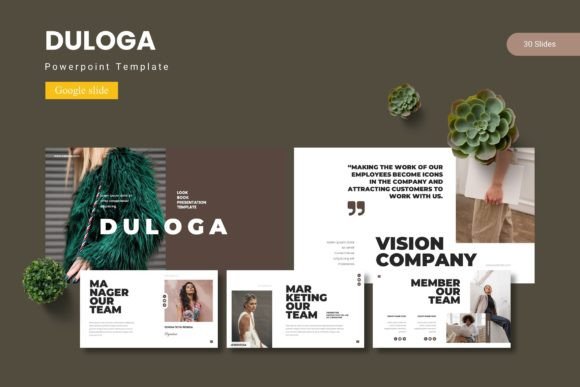
Munirom Google Slide Template: A Modern Design Asset
Struggling to make your presentations stand out in a sea of generic slides? A powerful visual toolkit can transform your ideas into compelling narratives, and the Munirom - Google Slide Template is designed to do just that. This isn't just a collection of slides; it's a versatile framework for professionals, entrepreneurs, and creatives who value both efficiency and polished design.
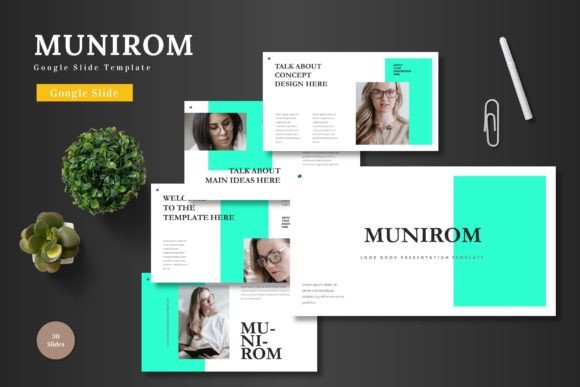
At its core, Munirom is a comprehensive, premium template system built entirely within Google Slides. This means you can achieve a high-end, professional look without needing advanced software or a steep learning curve. The design philosophy centers on clean, modern aesthetics with a focus on scalability and color harmony, making it a robust design asset for a multitude of projects.
Where Can You Use the Munirom Template?
The true value of a well-structured template lies in its adaptability. Munirom's clean lines and thoughtful layouts make it suitable for a wide range of professional and creative applications:
- Business & Corporate Use: Craft investor pitch decks, quarterly reports, company profiles, and internal training materials that look consistently professional.
- Marketing & E-commerce: Design product launch presentations, marketing strategy decks, and social media campaign overviews that capture attention.
- Creative Projects: Build visual portfolios, case studies for designers and photographers, or mood boards for branding projects.
- Personal Branding: Create a powerful personal portfolio or a lecture series that establishes your authority and style.
Key Features for a Streamlined Workflow
What makes this template particularly useful is its emphasis on user-friendly customization. All elements are editable directly in Google Slides, eliminating the friction of switching between programs. Key features include:
- Extensive Slide Library: Over 150 total slides across five premade color schemes provide a vast starting point for any topic.
- Handcrafted Infographics & Illustrations: Visually explain complex data or concepts with unique, pixel-perfect graphics that are fully resizable.
- Master Slides & Placeholders: Ensure brand consistency across your entire deck. Simply drag and drop your images into placeholders and update text to maintain a cohesive look.
- Animated Slides: Add a dynamic layer to your presentation to engage your audience more effectively.
Tips for Integrating Templates into Your Design Process
When incorporating any template into your workflow, a strategic approach ensures the best results. First, consider the mood of your project. The Munirom template's modern, clean aesthetic works best for themes of innovation, clarity, and professionalism. Test your own brand fonts and colors against the provided schemes to see how they integrate.
Remember, a template is a foundation. The goal is to adapt it to your brand identity, not the other way around. Use the structure to organize your content logically, but let your unique voice and visuals take center stage. This approach helps maintain visual consistency and strengthens your brand recognition through professional presentation.
Choosing a thoughtfully designed template like Munirom is an investment in your communication's clarity and impact. It provides the creative framework to present your ideas with confidence, ensuring your message is not only heard but also visually remembered. For anyone looking to elevate their slide decks efficiently, it represents a valuable and practical design asset.